









Want us to help you with anything?
Request a Call back
ICICI Bank Internet Banking is simple, convenient, 100% secure, and lets you carry out a wide range of banking transactions and access numerous Net Banking features in just a few clicks. Now, say goodbye to long queues and unwanted delays. With ICICI Bank, Net Banking instantly unlocks a better lifestyle anytime and anywhere.




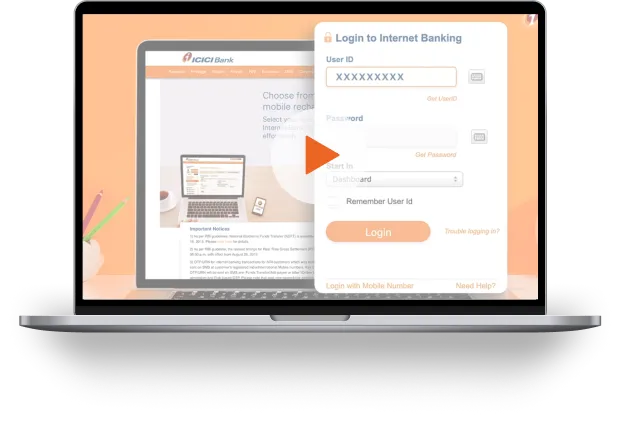
WORLD CLASS INTERNET BANKING IN JUST 4 STEPS
and authenticate yourself
password instantly, online



DON'T HAVE INTERNET BANKING WITH ICICI BANK? OPEN INSTANTLY.
Opt for ICICI Bank Internet Banking to carry out all your banking transactions and manage your finances with ease from anywhere in the world.
When opening a Bank Account online:
- Step 1: Use the Internet Banking User ID during the account opening process
- Step 2: Visit the Bank's website and click on the ‘New User’ tab on the top right corner
- Step 3: Click on the ‘I want my Password’ button to generate your password
- Step 4: Once generated, you can click on ‘Login’ to enter your User ID and Password.
When opening a Bank Account offline:
- Step 1: Use your Internet Banking User ID and a temporary Password provided in the Welcome Kit
- Step 2: Visit the Bank's website and click on ‘Login’ to enter your User ID and Password.
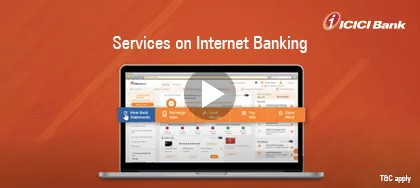
Enjoy a variety of financial services and manage your finances from the comfort of your home or office through ICICI Bank Net Banking.


We take security
seriously !
Peace of mind for you as we have the most advanced technology & protection

2 Factor i-safe authentication

End-to-end 256 bit Encryption

We make you
feel special



FAQ
Online banking is a customer self-service digital platform provided by banks. Customers can access accounts, check balances, transfer funds, pay bills and manage their finances from anywhere, anytime using a computer or mobile device.
- Easy 24x7 account access
- Balance inquiry
- Fund transfers, bill payments, mobile alerts, statements and online investment services
- View transaction history, order cheques, manage Debit or Credit Cards and communicate with the Bank.
Online banking is important because it provides customers convenient and secure access to their bank accounts. It saves time, reduces cost and allows customers to manage finances from any location. Additionally, online banking offers 24x7 service, reduces paperwork and minimises visits to a bank branch.
Related Blogs